Easy UX Wireframes PowerPoint Template

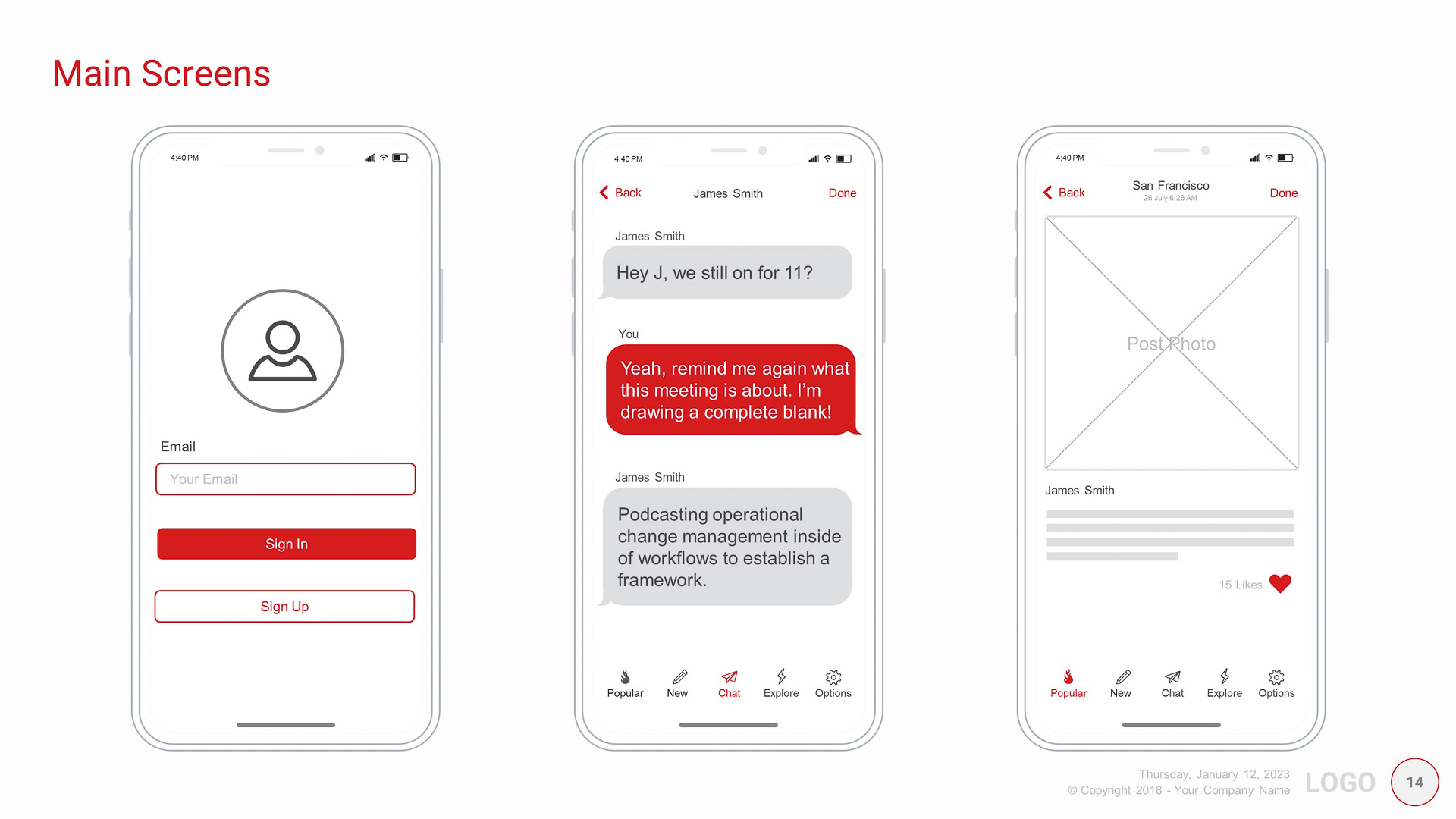
Building your own app can get expensive. The Easy UX PowerPoint template will ease the cost burden of the brainstorming phase.

Get your Minimal Viable Product designed quicker without learning new complicated UX or Prototyping software.

Get your Minimal Viable Product designed quicker without learning new complicated UX or Prototyping software.

Template Features

  • Every slide is designed and used in the real world.
  • This template is practical to use and simple to understand.
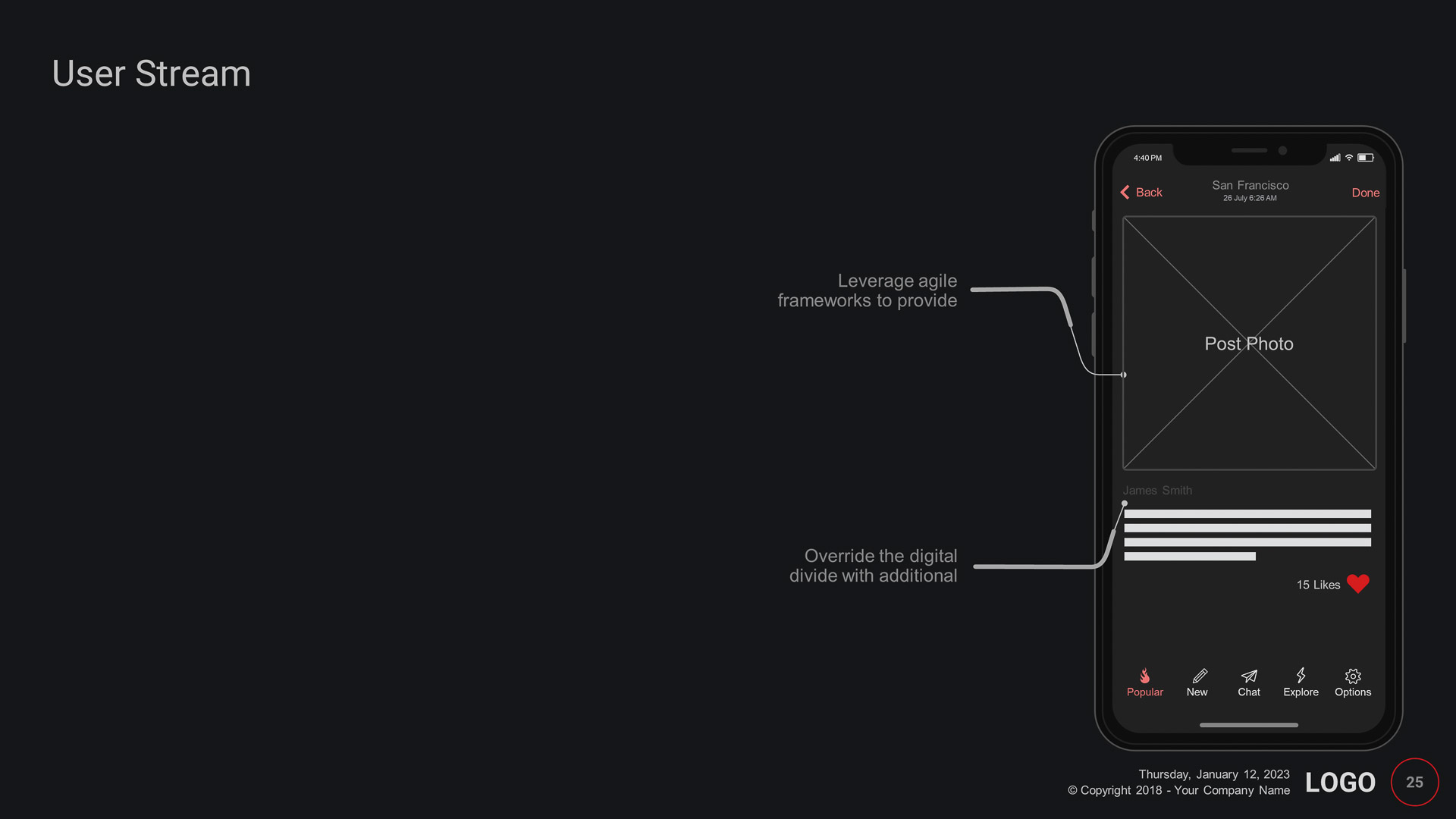
  • Smart devices and assets are created in PowerPoint and are fully editable and customizable.
  • Easily change the colors for all your assets by updating the Master Template
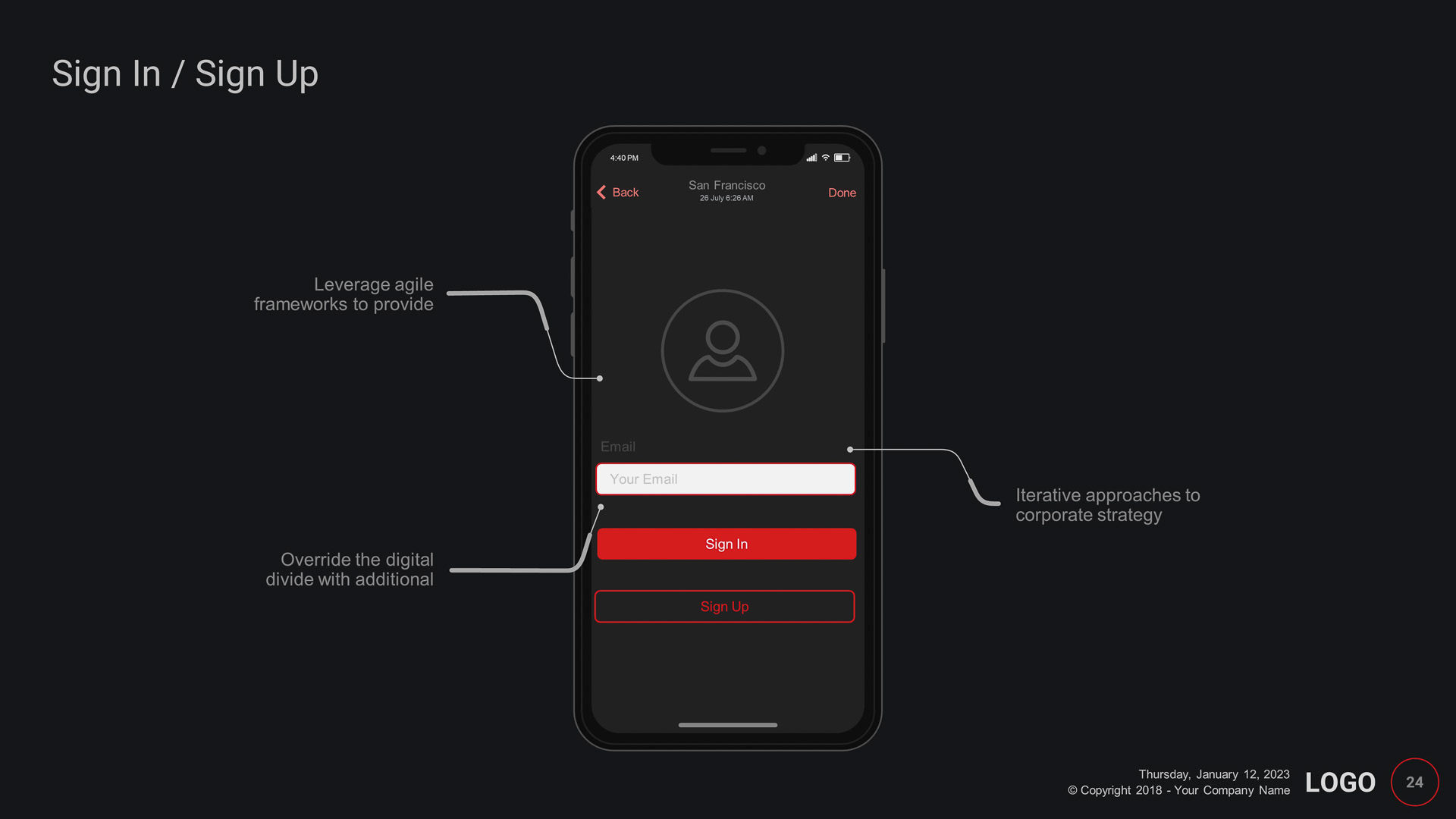
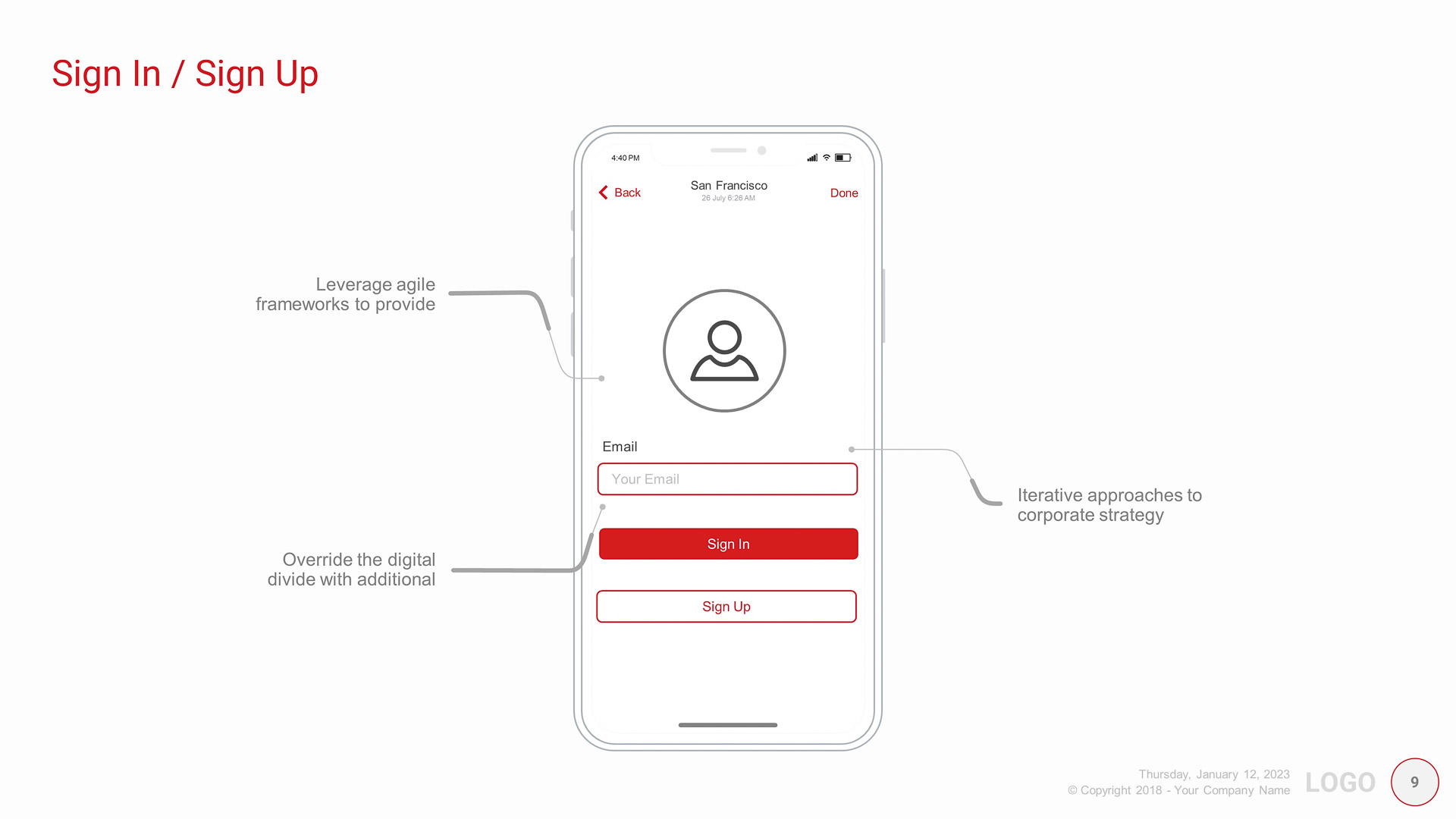
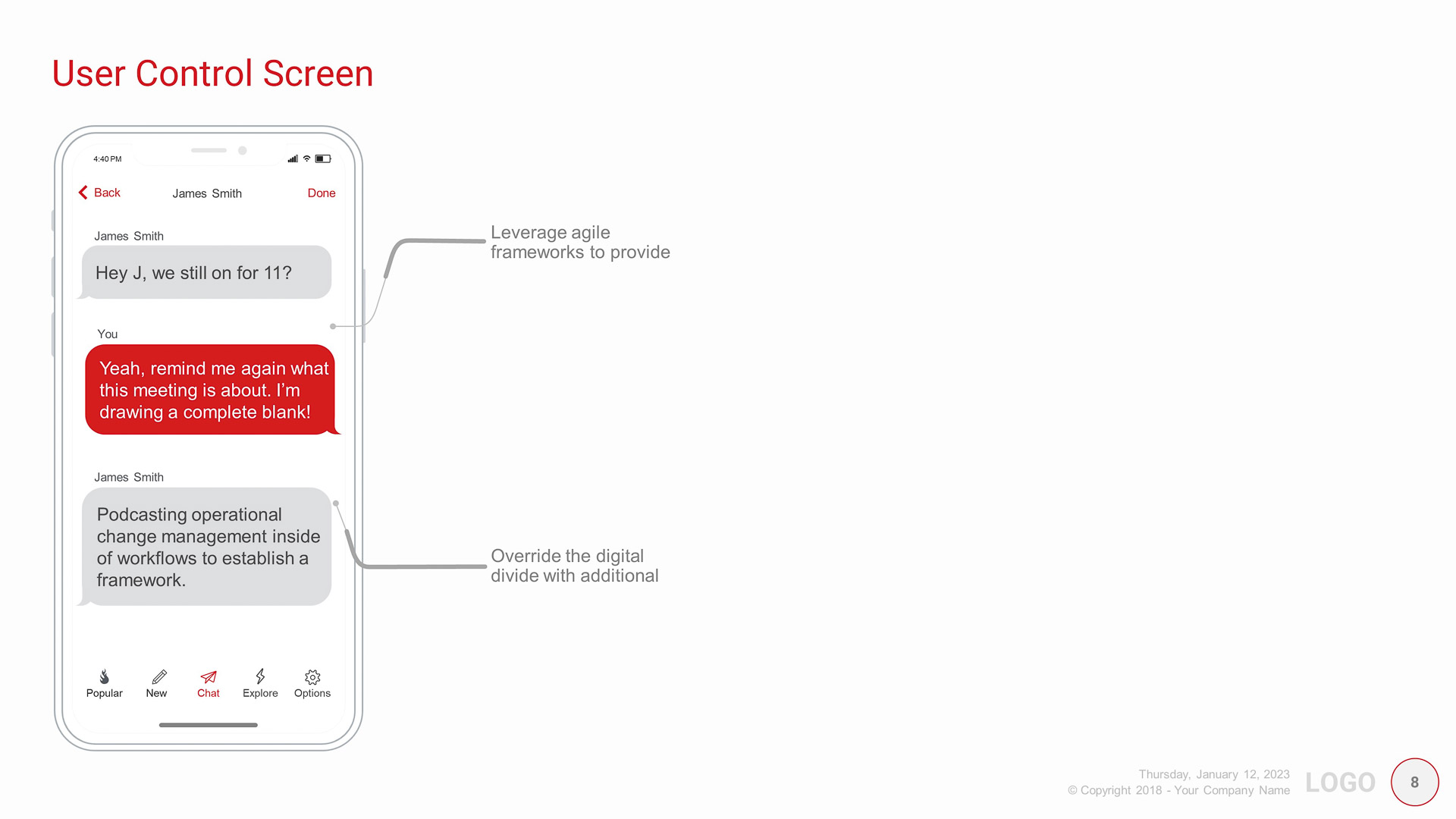
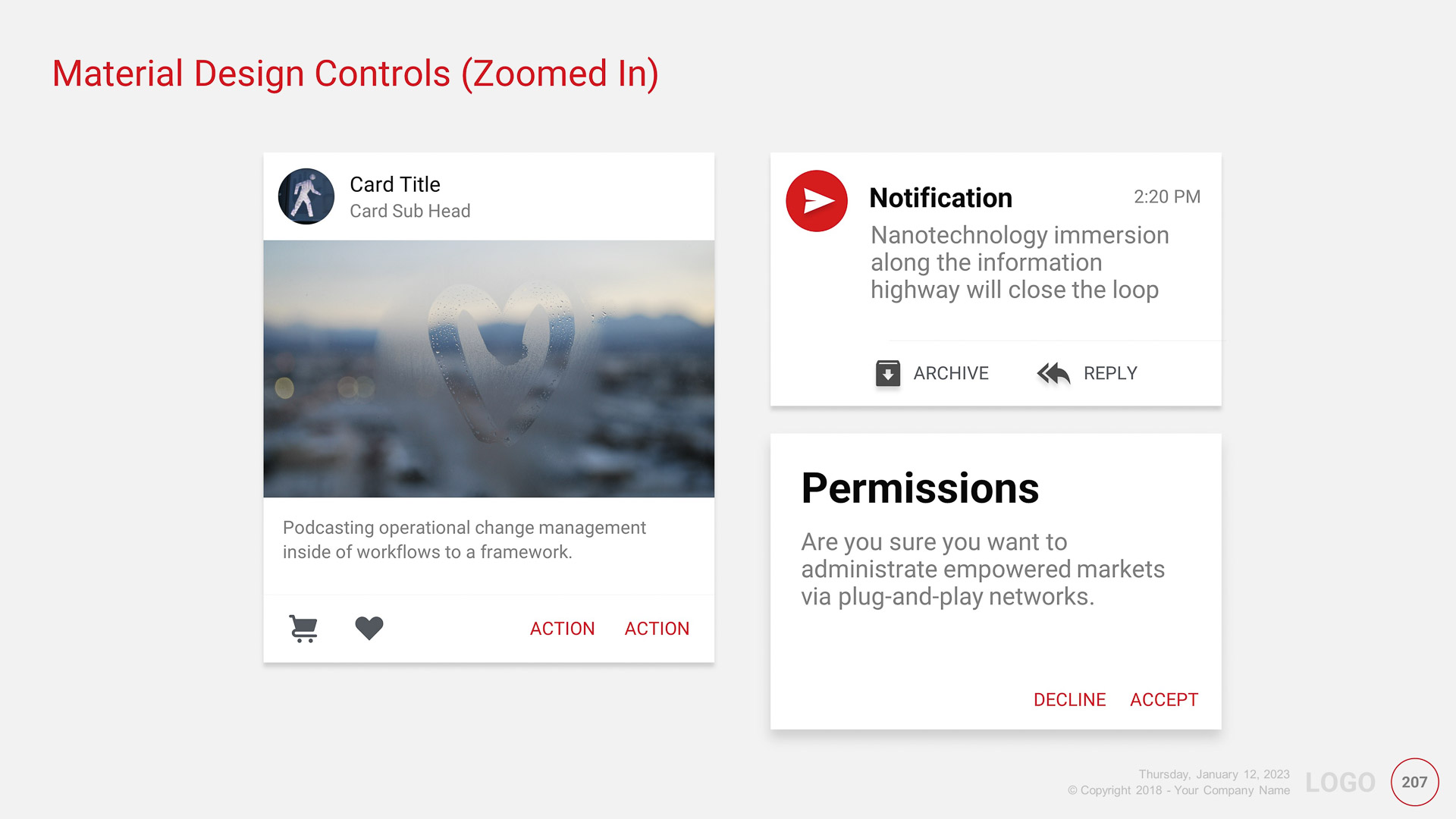
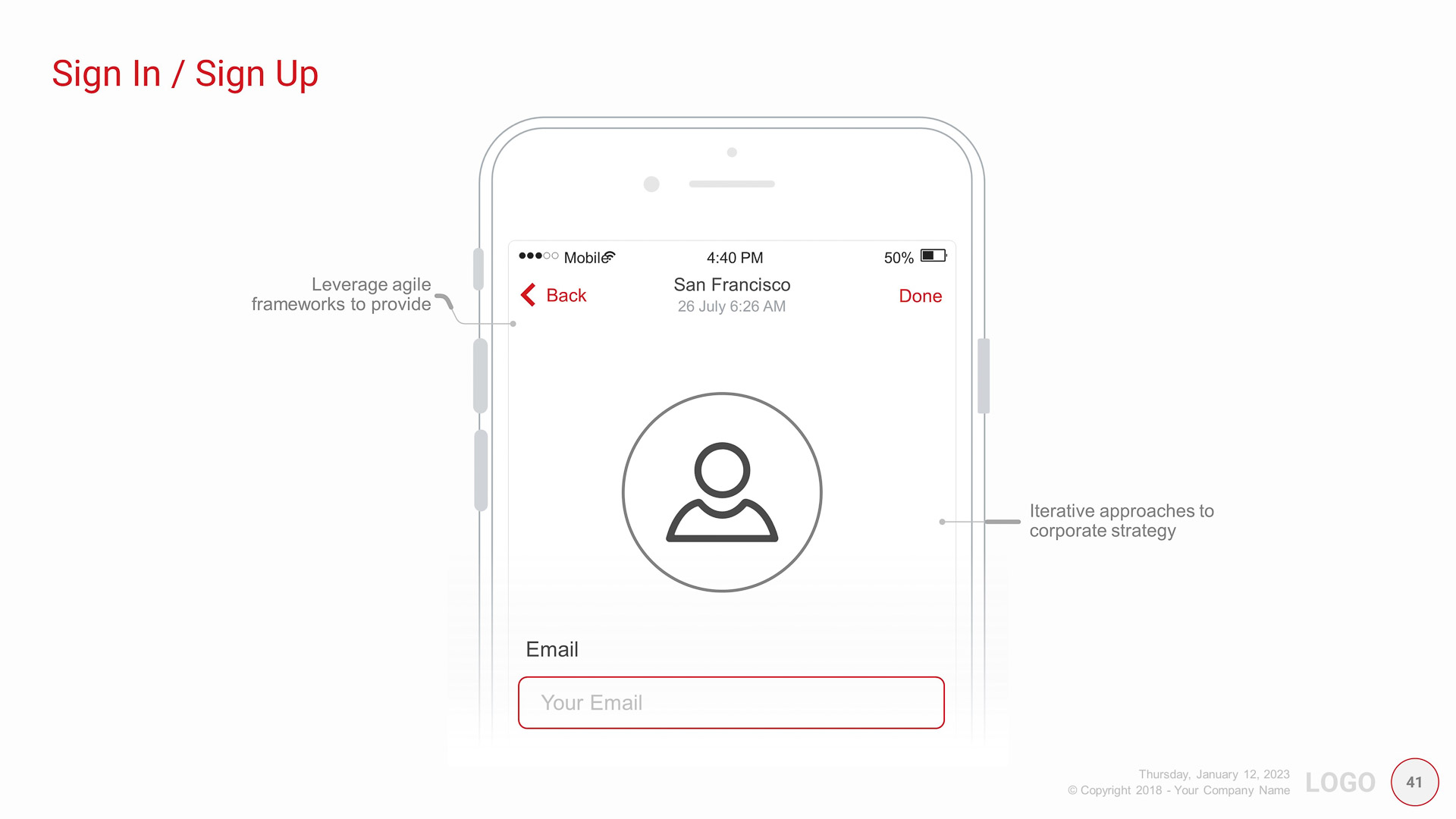
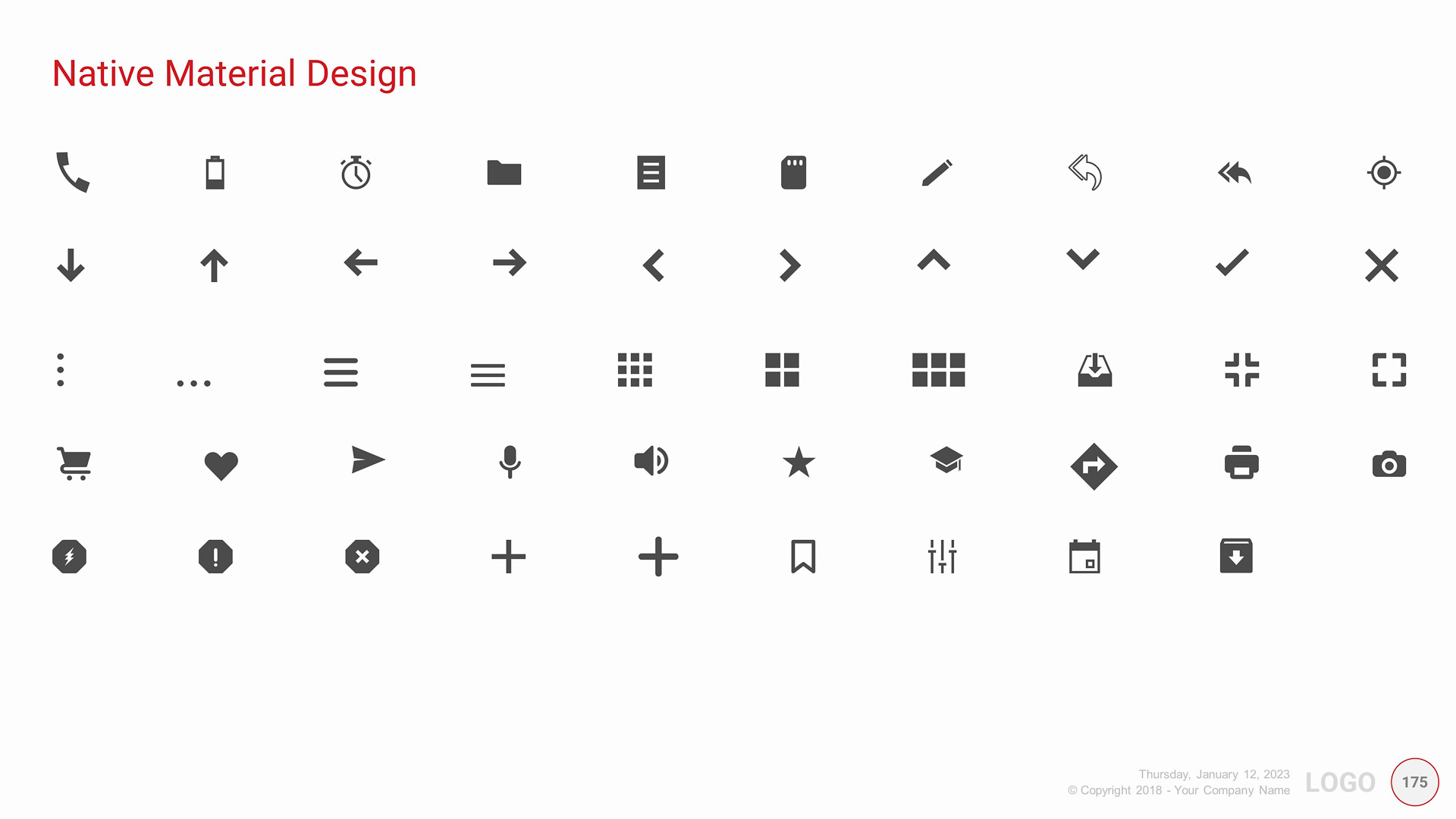
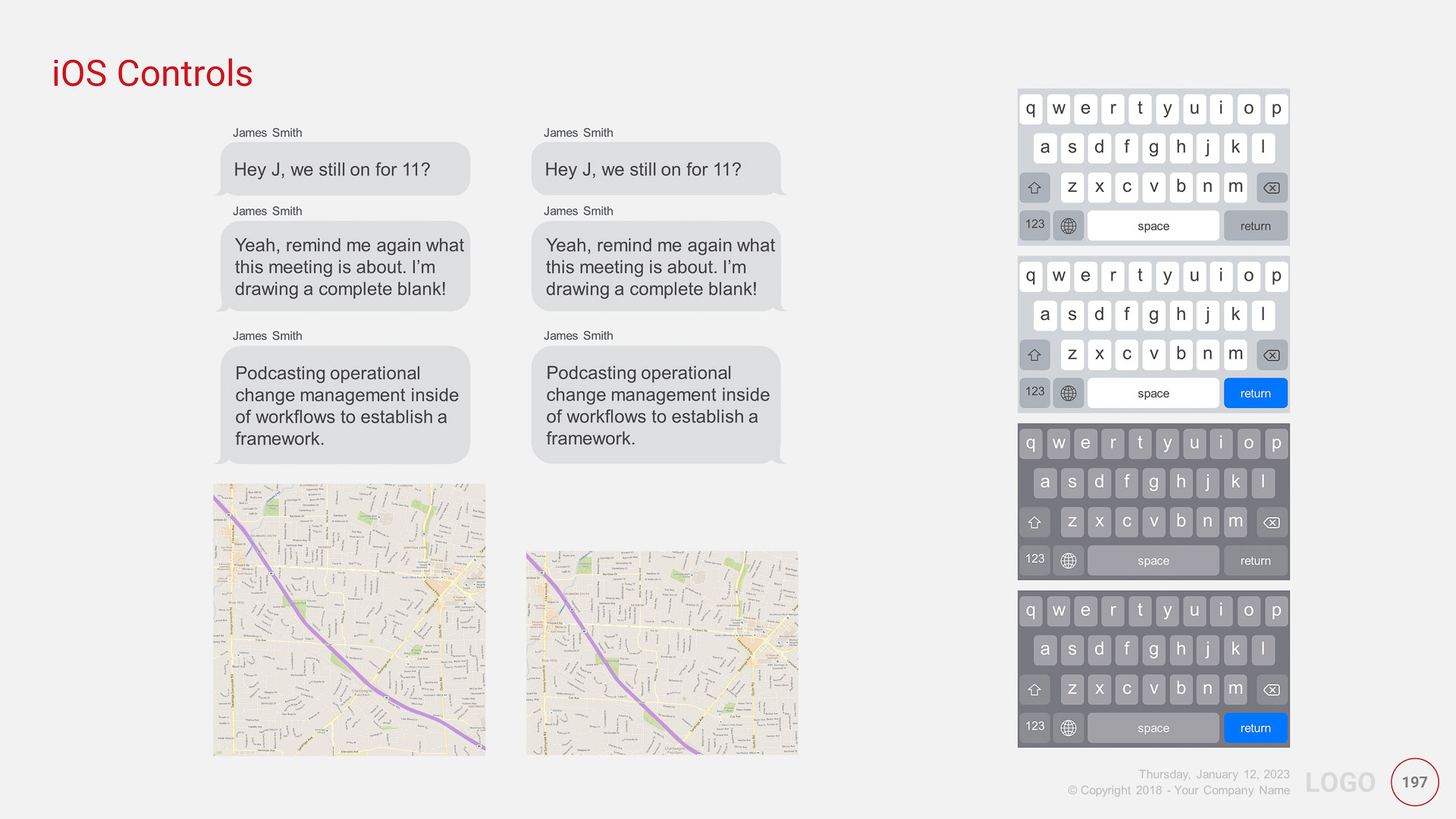
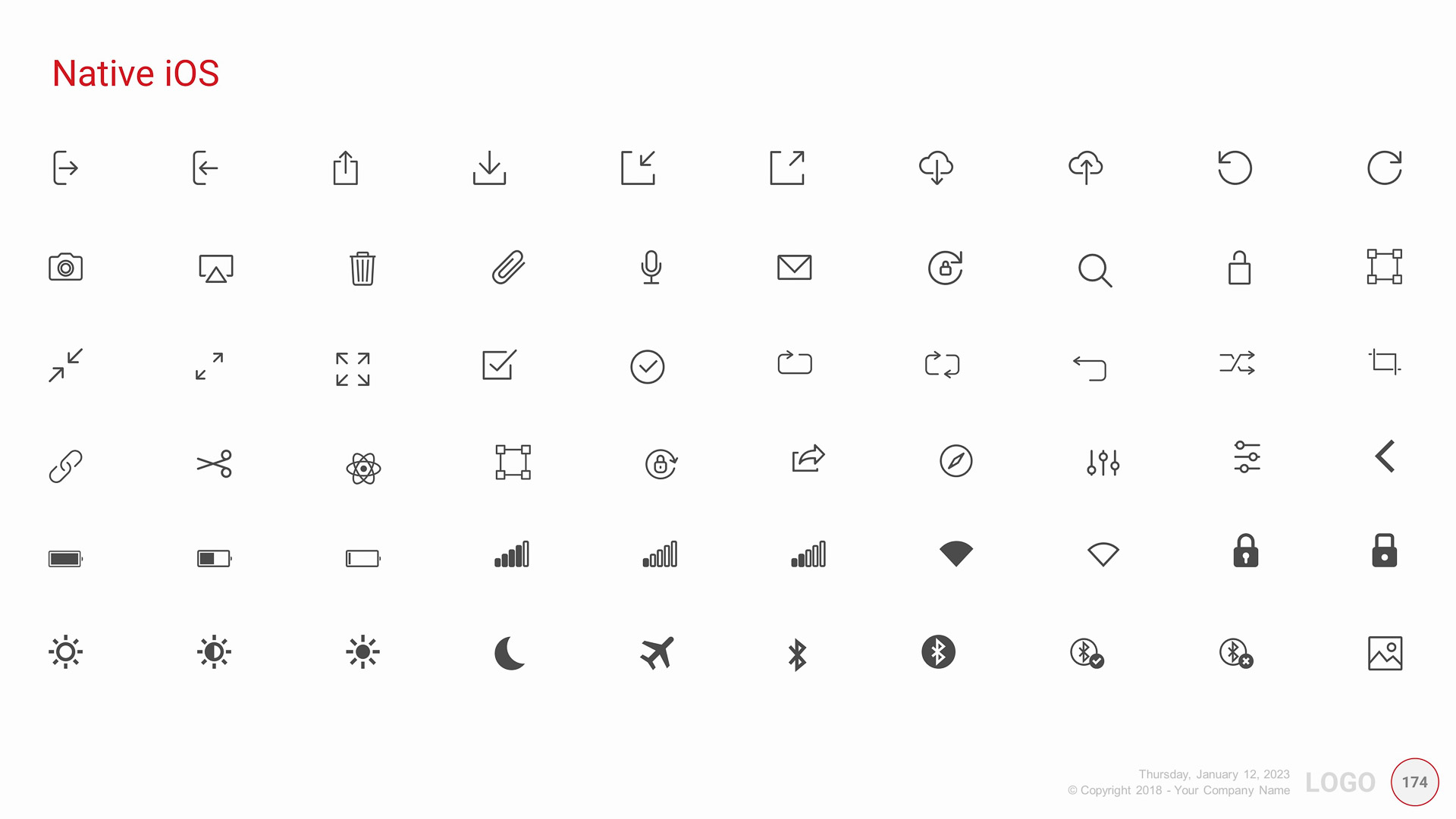
  • Native Controls for iOS (Editable!)
  • Native Controls for Android (Editable!)
  • Native Controls are fully editable in PC and Mac version of PowerPoint
  • These templates are created/tested by professional UX (User Experience) designers in real-world apps.
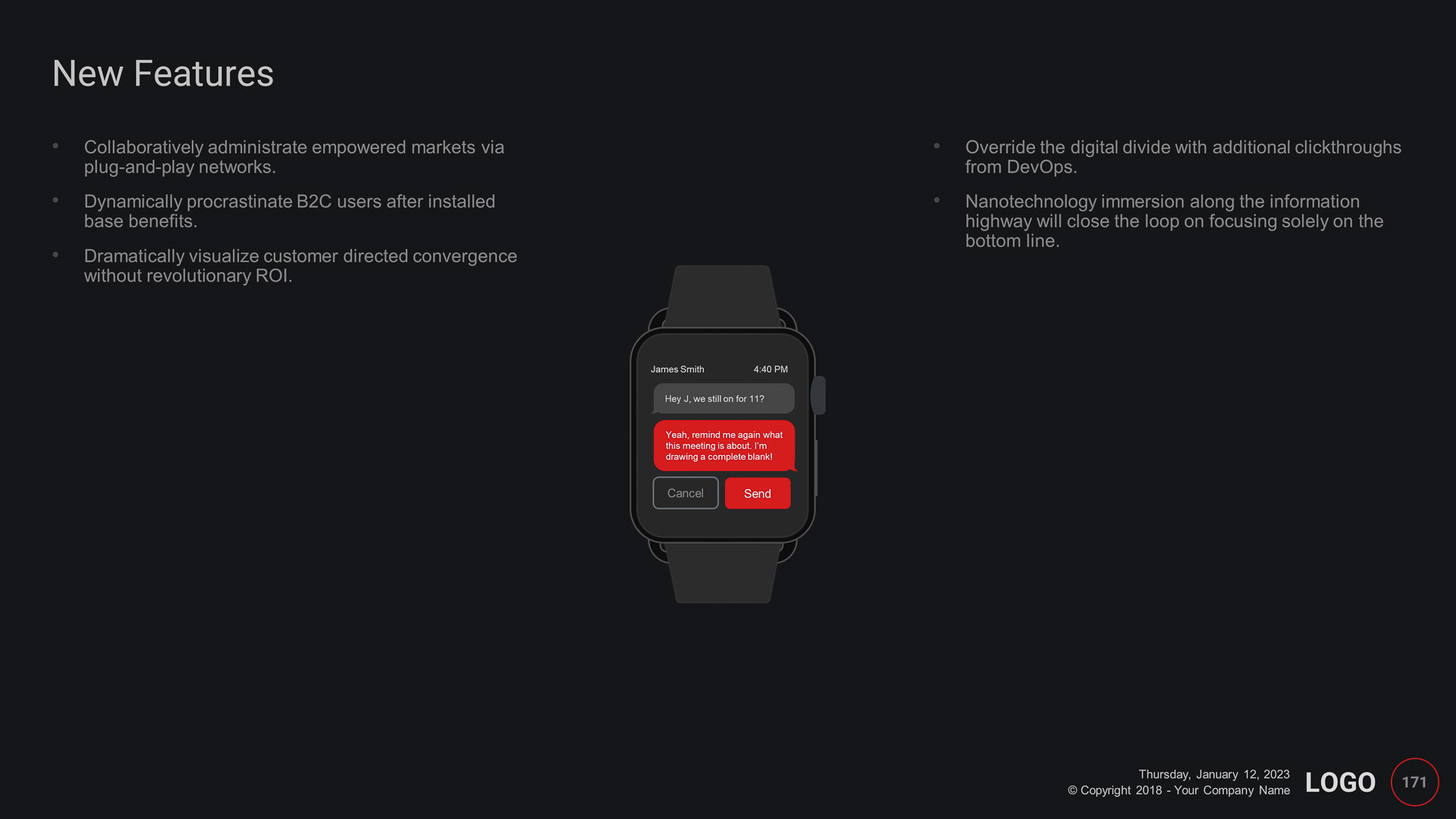
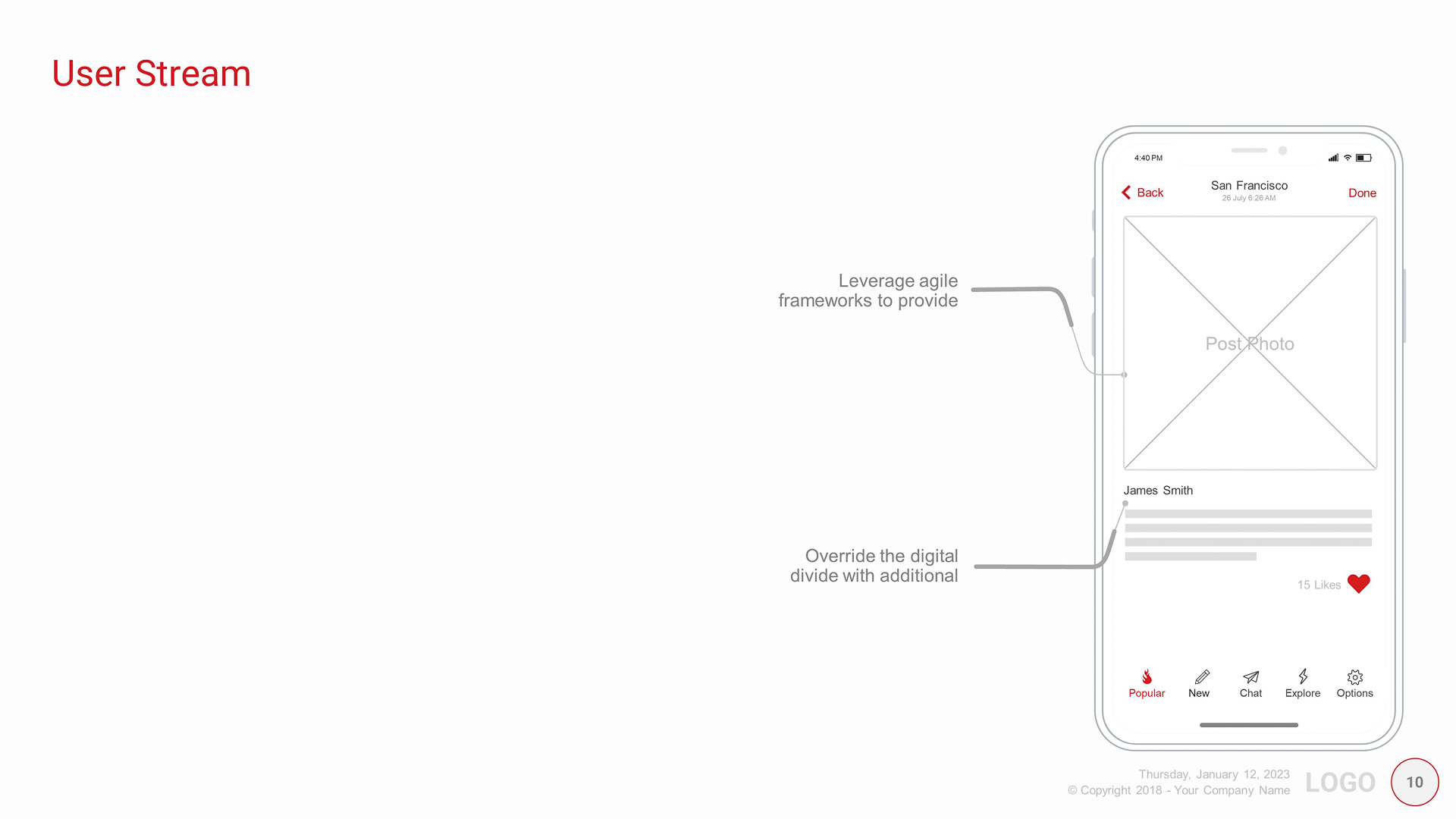
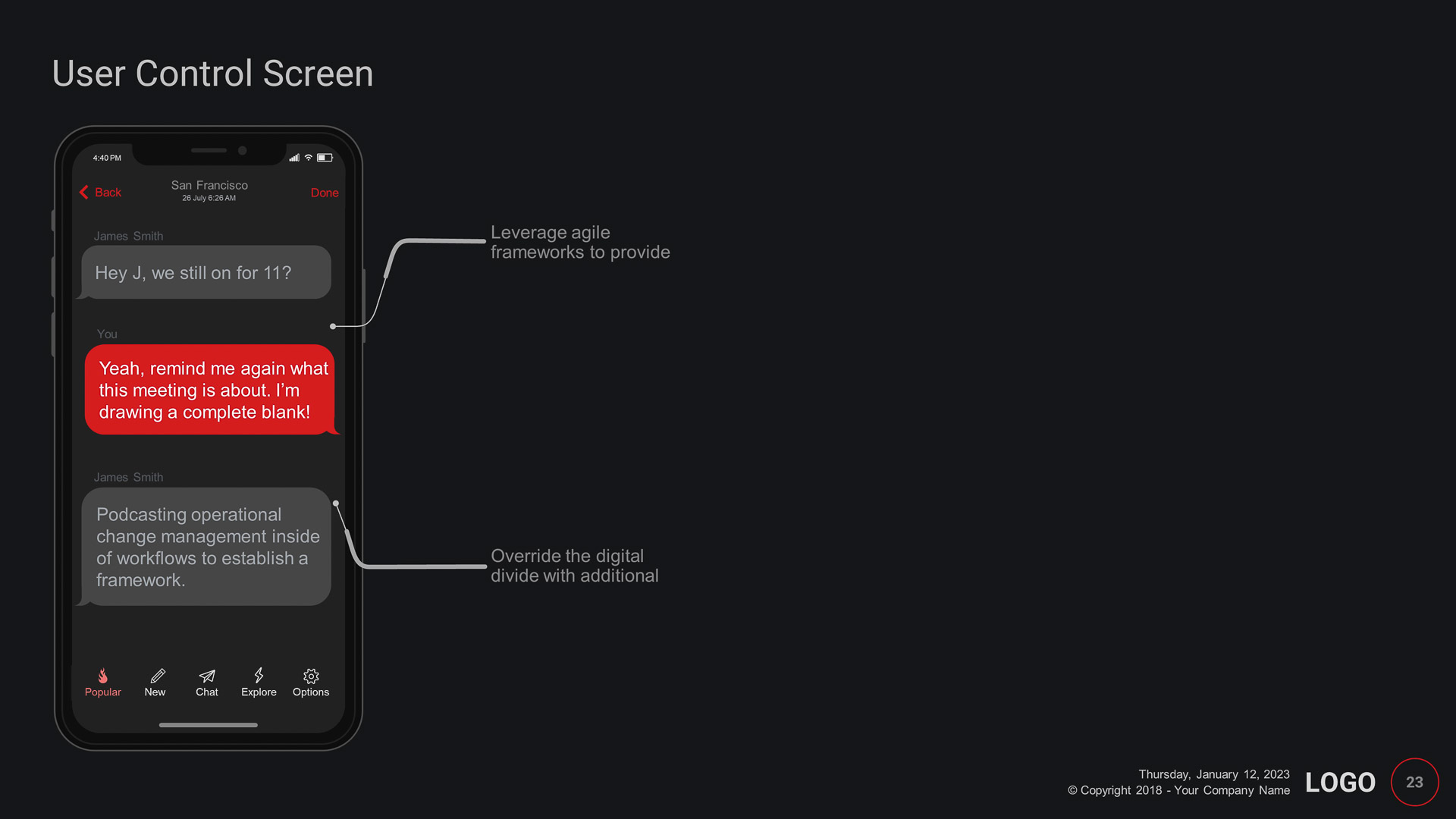
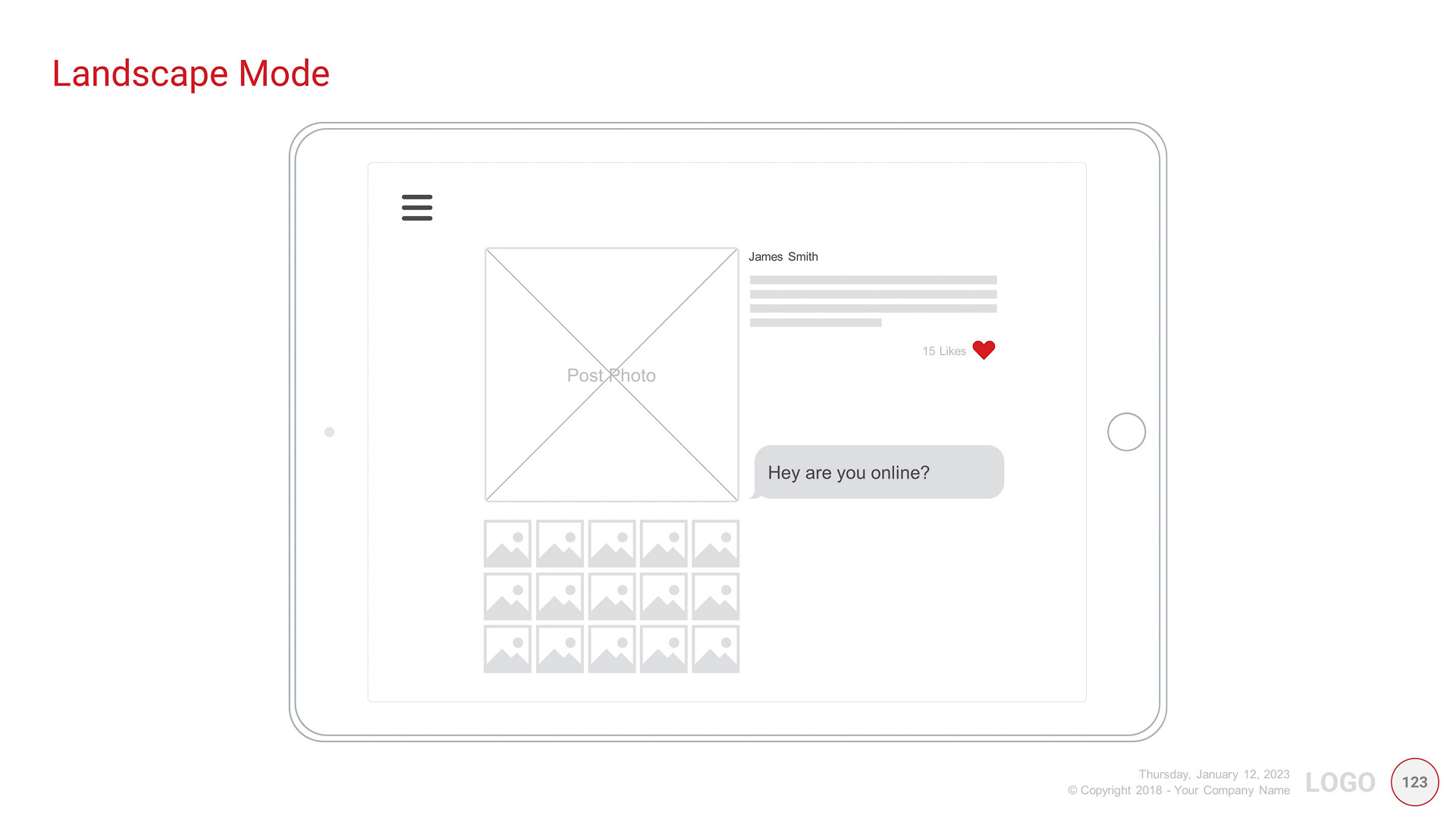
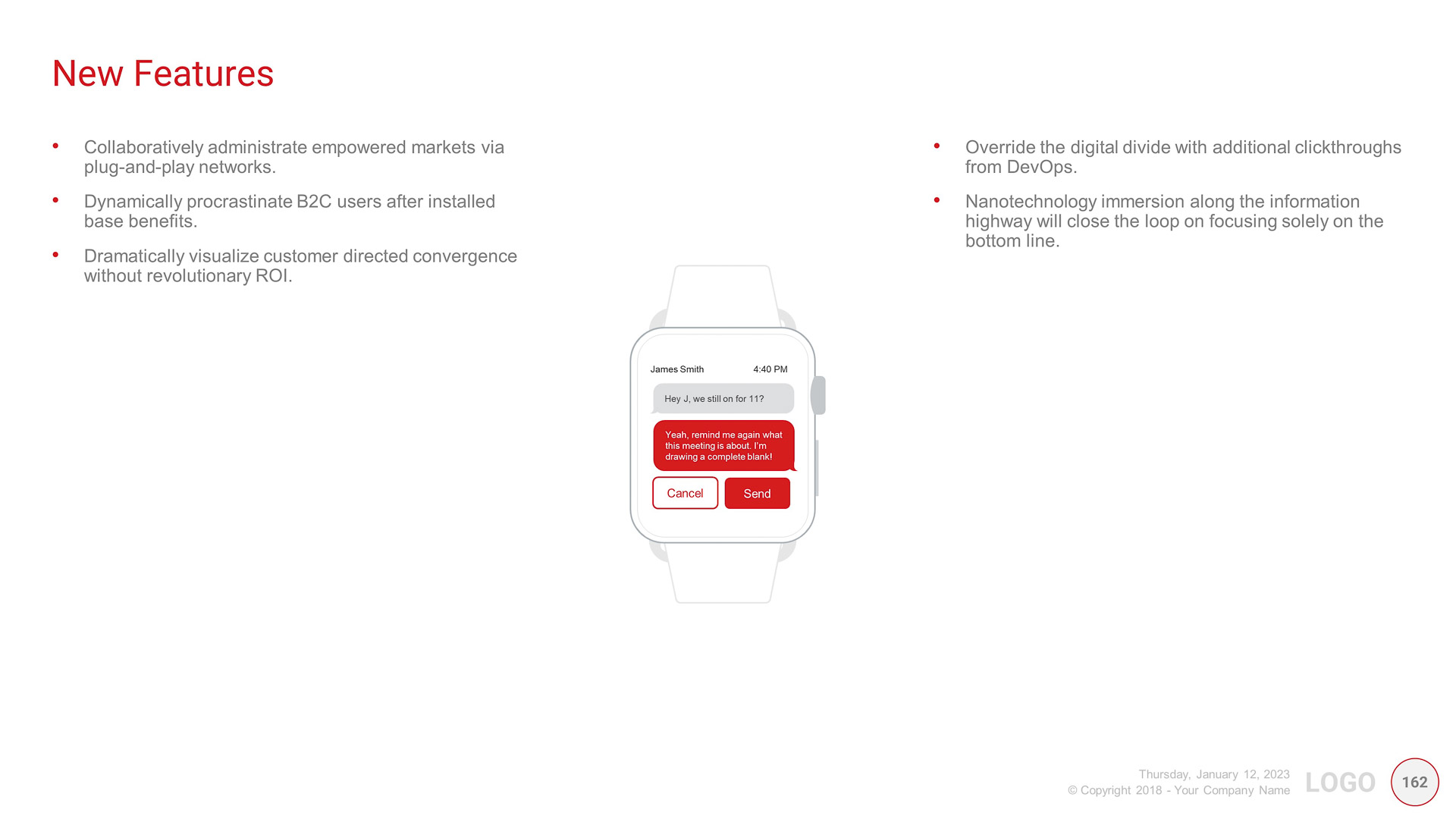
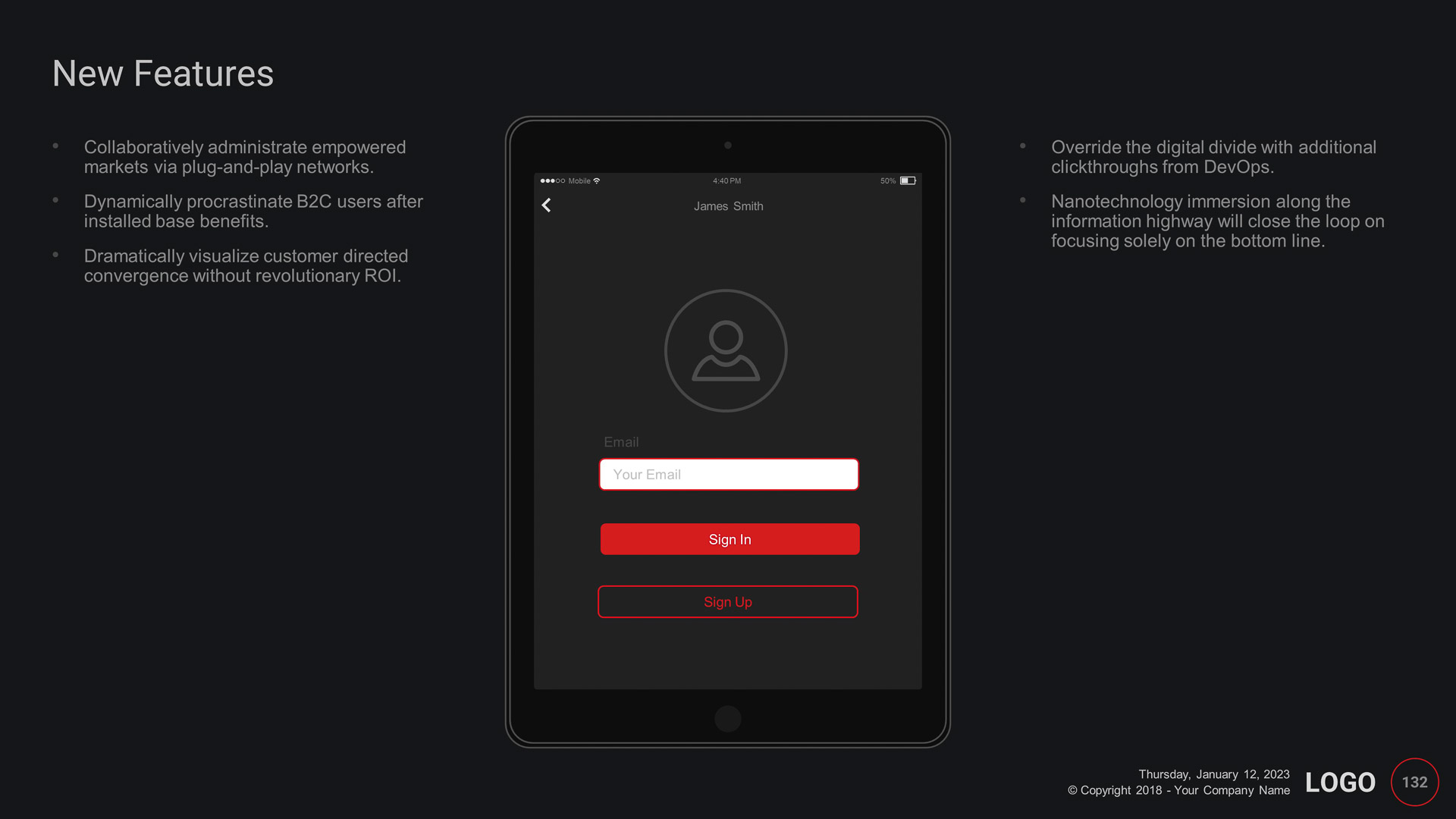
  • 7 X Smart devices (Large iOS, Regular iOS, Large Android, Small Android, Tablet, Smartwatch, and Laptop)
  • All these devices are fully editable in PowerPoint

Design Elements Included

Video Preview

Effortless Editing with Easy UX Wireframes PowerPoint Template

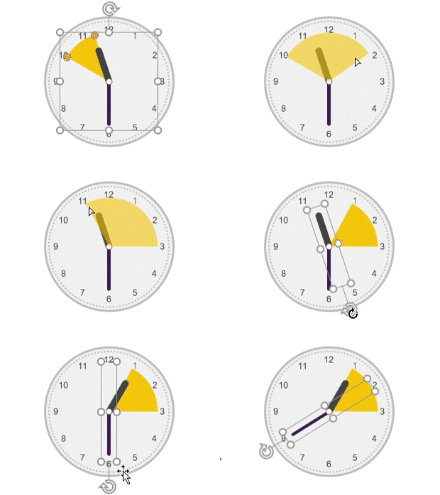
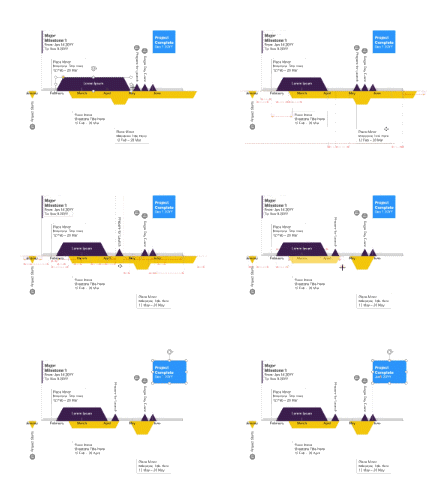
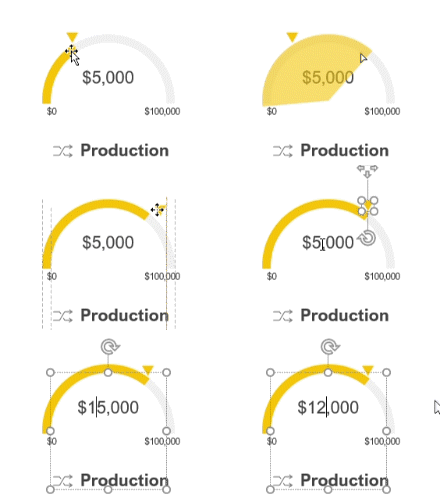
Experience the ease of editing with the Easy UX Wireframes PowerPoint Template, crafted entirely with native PowerPoint graphics. This means you can quickly customize every detail without needing a designer or costly third-party software. As demonstrated, making changes to infographics and other elements in this template is simple and intuitive, saving you time and resources while maintaining professional quality.