Master the art of presentations with expert-level tips and techniques for PowerPoint, Google Slides, and more. Whether you’re building corporate decks, refining your design process, or preparing for high-stakes delivery, this section is packed with actionable advice to sharpen your slides and elevate your impact.
From system font compatibility to slide resizing, template optimisation to storytelling structure, our guides cover the full spectrum—from technical setup to visual finesse. Trusted by professionals across industries, each post distils practical insight into quick wins and long-term improvements.
If you’re serious about better presentations, you’re in the right place.
Official list of approved PowerPoint system fonts with Previews – UPDATED 2025
Here is the full list of PowerPoint system fonts with previews that are approved system fonts you can use in your PowerPoint
Discover PowerPoint-friendly font alternatives to popular Google Fonts like Roboto and Poppins. Ensure your presentations look professional and consistent on any device
How to create a knockout presentation: 3 Essential tips for impact and success
Learn how to create a knockout presentation that engages and influences your audience. This guide provides essential tips for setting clear goals, designing impactful slides, and delivering presentations that make a lasting impression. Whether you're crafting a pitch deck or leading an internal meeting, these insights will help you create a knockout presentation that drives results.
Want to sharpen your presentation skills even further?
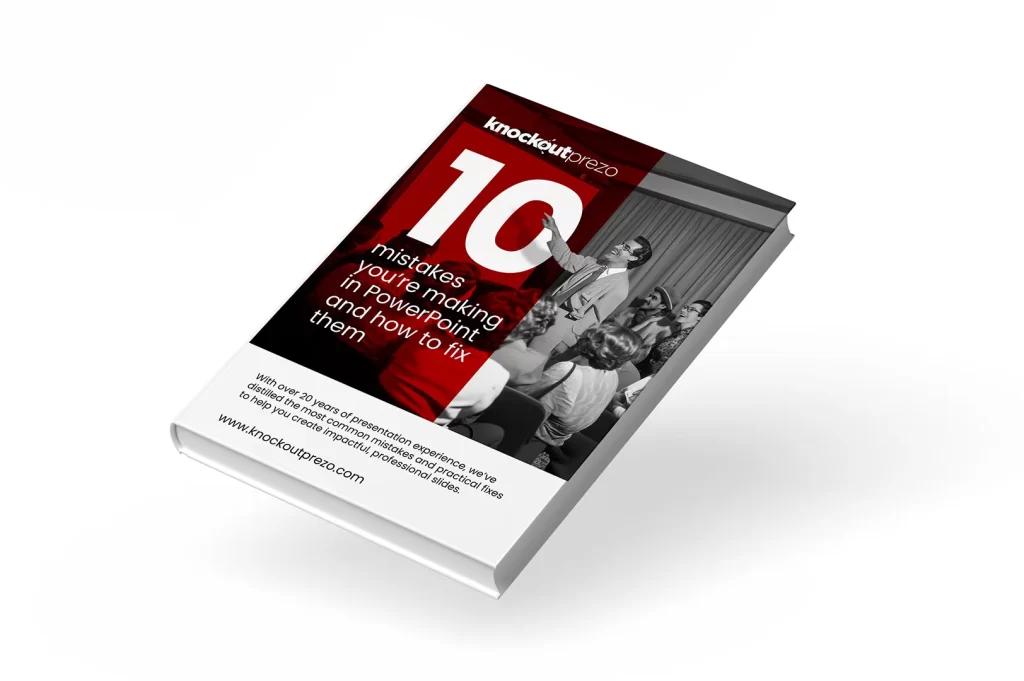
Pre-register for our Ultimate PowerPoint Master Template course and get the exclusive expert guide: 10 Mistakes You’re Making in PowerPoint—and How to Fix Them
The course teaches you how to:
Build fast, reusable slide systems — no more starting from scratch
Enforce brand consistency effortlessly across decks
Save time and cut design costs with smart templates
Edit slides quickly, confidently, and without layout chaos
Gain full control of layouts, fonts, and formatting—without relying on workarounds
This is the same proven process used by leading companies to create decks that look sharp, load fast, and feel effortless to update.
Sign up now to claim your free guide and unlock early access.